SwingWorker
Interrupting and displaying the progress of processes using SwingWorker
Section titled “Interrupting and displaying the progress of processes using SwingWorker”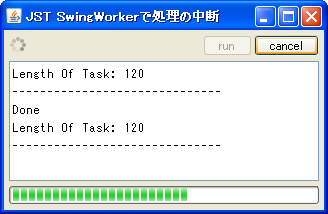
SwingWorker
We'll use the new SwingWorker in JDK6 to handle tasks like interrupting processing and updating the progress display.
Pausing and resuming SwingWorker
Section titled “Pausing and resuming SwingWorker”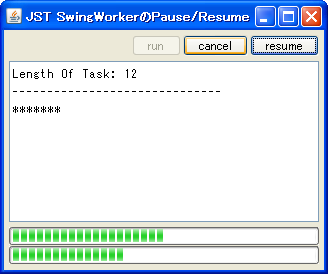
Using multiple JProgressBars with SwingWorker
Section titled “Using multiple JProgressBars with SwingWorker”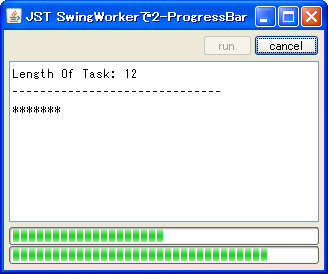
TwoProgressBars
We will use two JProgressBars to display progress within a single SwingWorker.
Display the progress of the process with ProgressMonitor.
Section titled “Display the progress of the process with ProgressMonitor.”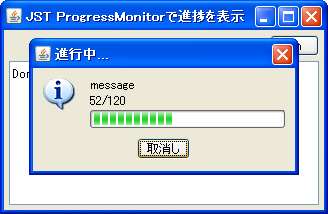
Display the download status of a text file using ProgressMonitorInputStream.
Section titled “Display the download status of a text file using ProgressMonitorInputStream.”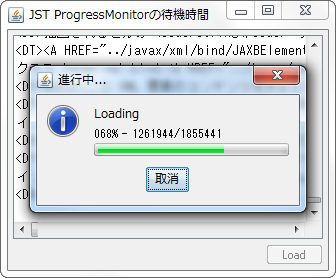
ProgressMonitorInputStream
Use ProgressMonitorInputStream to display the download progress of a text file.
Display a JProgressBar in a JTable cell.
Section titled “Display a JProgressBar in a JTable cell.”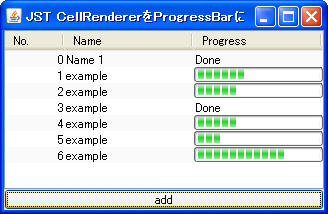
Display a JProgressBar in a JTree node.
Section titled “Display a JProgressBar in a JTree node.”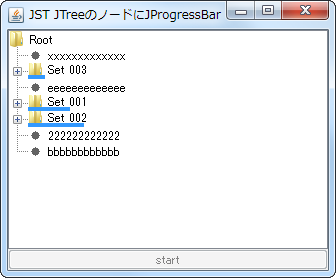
TreeNodeProgressBar
Set up a TreeCellRenderer on the JTree node to display a JProgressBar.
Displaying a modal SplashScreen with a JProgressBar using JDialog
Section titled “Displaying a modal SplashScreen with a JProgressBar using JDialog”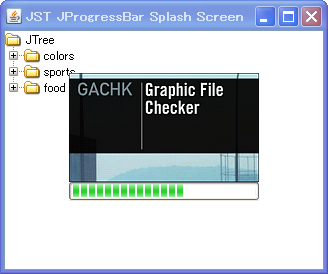
ProgressSplashScreen
This displays a modal SplashScreen with a JProgressBar using JDialog.
Display JProgressBar in JTabbedPane tabs
Section titled “Display JProgressBar in JTabbedPane tabs”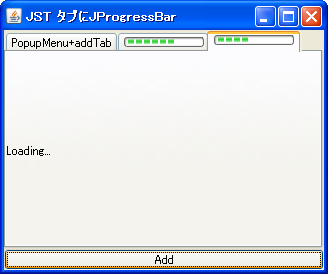
TabWithProgressBar
A JProgressBar is placed on a tab in JTabbedPane to display the progress.
Display JProgressBar within JComboBox
Section titled “Display JProgressBar within JComboBox”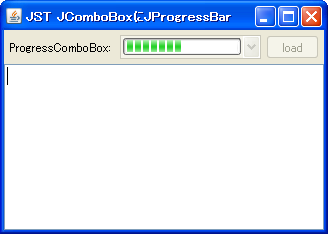
Recursive search of files
Section titled “Recursive search of files”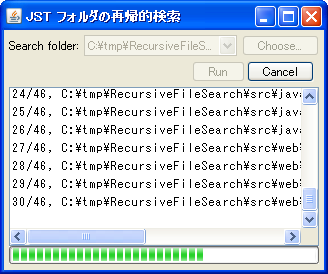
RecursiveFileSearch
This program recursively searches for files within the specified directory and displays the progress using a JProgressBar.
Displaying the directory structure in JTree using FileSystemView
Section titled “Displaying the directory structure in JTree using FileSystemView”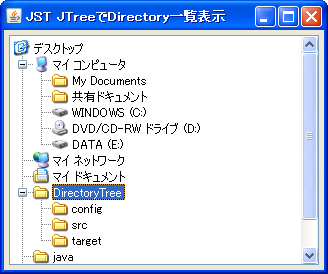
Display directory structure with JTree with JCheckBox
Section titled “Display directory structure with JTree with JCheckBox”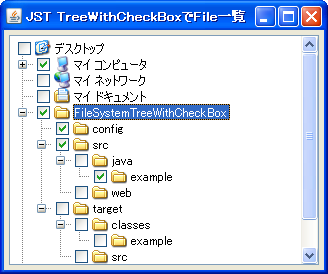
FileSystemTreeWithCheckBox
This displays the directory structure using a JTree with editable JCheckBoxes added to the nodes.
Use PersistenceService to remember the position and size of the JFrame.
Section titled “Use PersistenceService to remember the position and size of the JFrame.”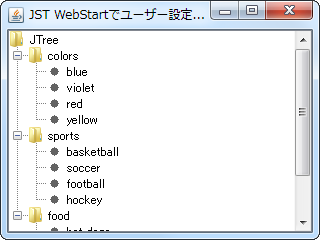
PersistenceService
We obtain the PersistenceService from the ServiceManager and use it to save and retrieve the position and size of JFrames and other objects.
Waiting time before ProgressMonitor displays a dialog
Section titled “Waiting time before ProgressMonitor displays a dialog”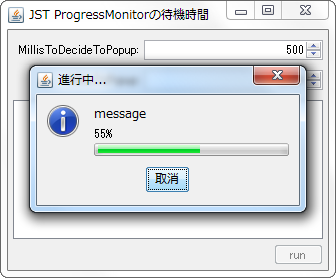
MillisToDecideToPopup
This setting determines the waiting time before the ProgressMonitor dialog box appears.
Using enums as the model for JComboBox
Section titled “Using enums as the model for JComboBox”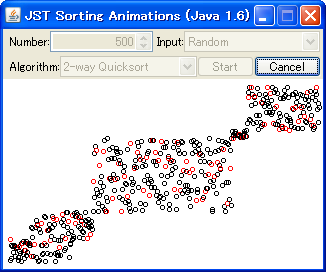
Change Cursor to hourglass
Section titled “Change Cursor to hourglass”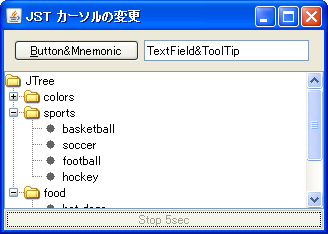
WaitCursor
While processing is running in the background, the Cursor will enable a GlassPane with an hourglass icon.
Change the hue of JProgressBar using JLayer
Section titled “Change the hue of JProgressBar using JLayer”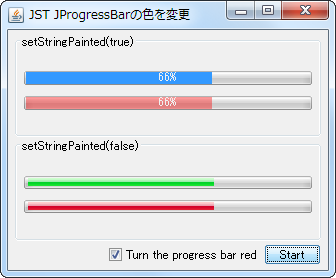
JTable pagination and sequential loading with SwingWorker
Section titled “JTable pagination and sequential loading with SwingWorker”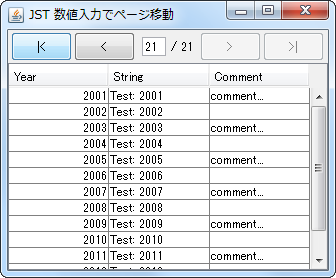
PageInputForPagination
This example uses JTable with RowFilter for pagination and SwingWorker for sequential loading.
Use a JProgressBar with a progress string set in a TableCellRenderer.
Section titled “Use a JProgressBar with a progress string set in a TableCellRenderer.”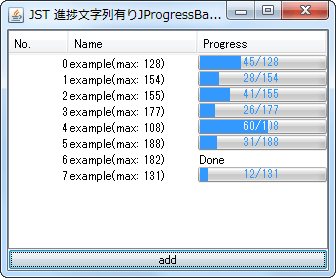
StringPaintedCellProgressBar
Set JProgressBar as the TableCellRenderer for the JTable to display the progress string.
Displaying JProgressBar progress in a circular format.
Section titled “Displaying JProgressBar progress in a circular format.”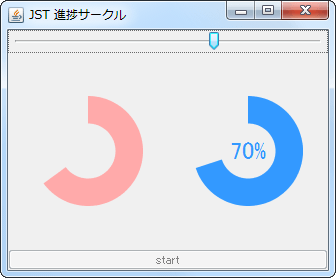
Execute SwingWorker thread by thread in sequence.
Section titled “Execute SwingWorker thread by thread in sequence.”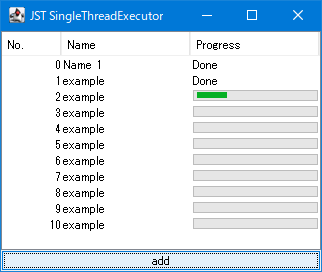
SingleThreadExecutor
This executes each SwingWorker task that manipulates the JProgressBar placed in the JTable cells, one by one, in sequence.