Others
Get a list of keybindings for a JComponent
Section titled “Get a list of keybindings for a JComponent”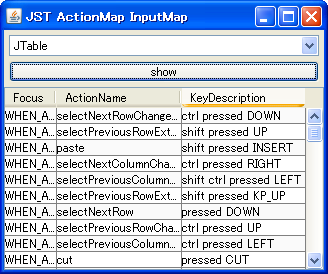
KeyBinding
We obtain the ActionMap and InputMap from the JComponent and create a list of KeyBindings.
Get the resource URL using ClassLoader
Section titled “Get the resource URL using ClassLoader”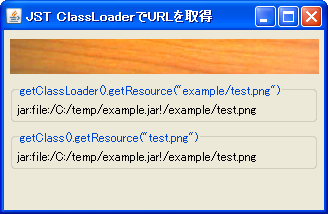
Prevent duplicate launches of WebStart applications using SingleInstanceService.
Section titled “Prevent duplicate launches of WebStart applications using SingleInstanceService.”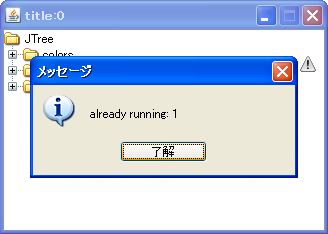
SingleInstanceService
SingleInstanceService is used to prevent duplicate launches of WebStart applications and to retrieve arguments.
Preventing multiple instances of an application from running using ServerSockets.
Section titled “Preventing multiple instances of an application from running using ServerSockets.”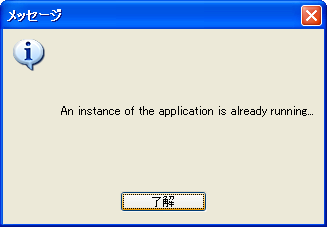
SingleInstanceApplication
ServerSocket is used to lock the port and prevent multiple instances of the application from running.
Launch browser on desktop
Section titled “Launch browser on desktop”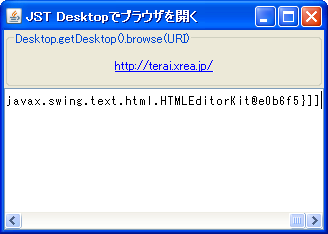
Launch Browser
Section titled “Launch Browser”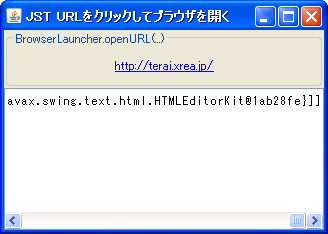
Converting date displays using TimeZone
Section titled “Converting date displays using TimeZone”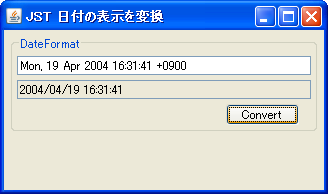
Implement EventListener to create custom events
Section titled “Implement EventListener to create custom events”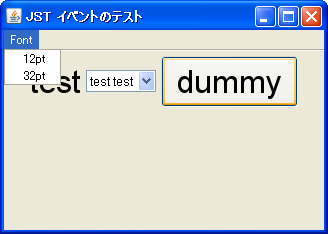
Obtain AWTEvent and monitor input events.
Section titled “Obtain AWTEvent and monitor input events.”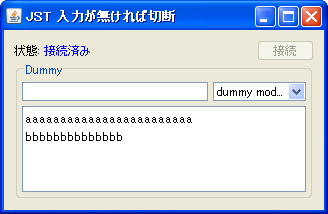
JRoot display status
Section titled “JRoot display status”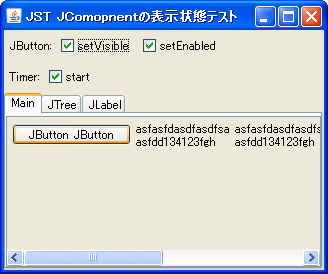
ShowingDisplayableVisible
When the display state of a JComponent changes, we test the values returned by its isDisplayable, isShowing, and isVisible methods.
Monitor DesktopProperty changes
Section titled “Monitor DesktopProperty changes”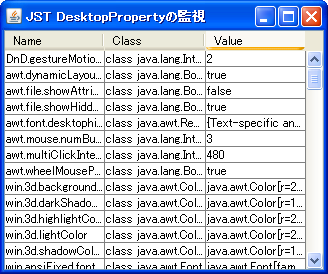
DesktopProperty
Add a PropertyChangeListener to the Toolkit to monitor changes such as double-click speed.
Retrieve text and images from Clippage
Section titled “Retrieve text and images from Clippage”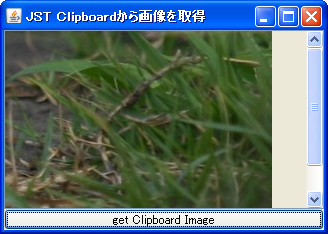
SystemClipboard
This program retrieves text or image data from the clipboard and displays it in a JLabel.
Remember the position and size of the JFrame.
Section titled “Remember the position and size of the JFrame.”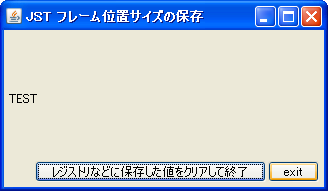
Preferences
Use Preferences to save the frame's position and size to the registry or elsewhere.
Use PersistenceService to remember the position and size of the JFrame.
Section titled “Use PersistenceService to remember the position and size of the JFrame.”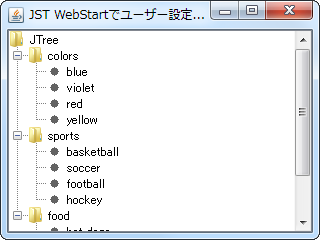
PersistenceService
We obtain the PersistenceService from the ServiceManager and use it to save and retrieve the position and size of JFrames and other objects.
Clear the Mnemonic and reset the JButton to its initial state.
Section titled “Clear the Mnemonic and reset the JButton to its initial state.”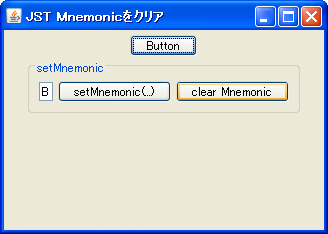
ClearMnemonic
This clears the Mnemonic set for the JButton, returning it to its initial state.
Display an image as the background of JRootPane
Section titled “Display an image as the background of JRootPane”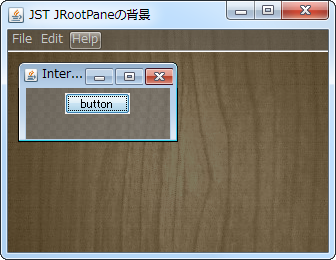
Resizing a JComponent with NimbusLookAndFeel
Section titled “Resizing a JComponent with NimbusLookAndFeel”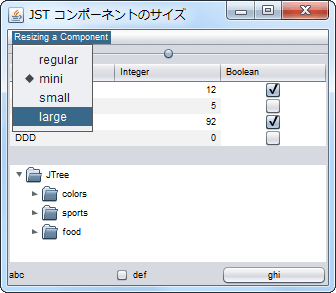
ComponentSizeVariant
If you are using NimbusLookAndFeel, you can change the display size of the component in the client properties settings.
Get the ScreenResolution from the Toolkit and change the font scaling used by the component.
Section titled “Get the ScreenResolution from the Toolkit and change the font scaling used by the component.”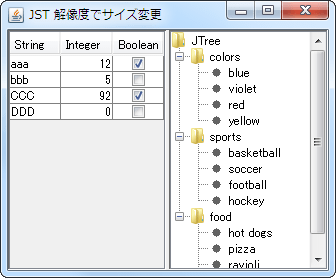
ScreenResolution
This test will change the initial panel size, font size, line height, etc., based on the display resolution settings.
Use SecondaryLoop to run a separate event loop on the event dispatch thread.
Section titled “Use SecondaryLoop to run a separate event loop on the event dispatch thread.”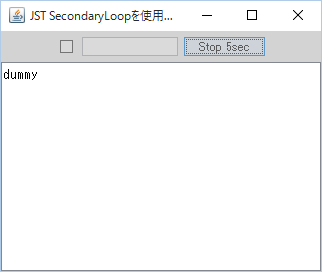
SecondaryLoop
Use a SecondaryLoop to run the event loop in a separate thread without blocking the event dispatch thread.
The selection state of a JCheckBox is stored in a BigInteger, and the UndoManager is used to undo or redo the changes.
Section titled “The selection state of a JCheckBox is stored in a BigInteger, and the UndoManager is used to undo or redo the changes.”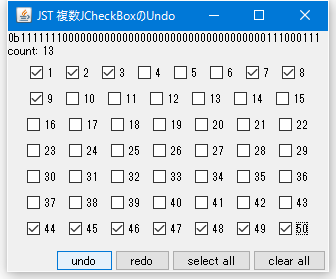
UndoRedoCheckBoxes
The selection states of multiple JCheckBoxes are stored in a BigInteger, and undo/redo operations are performed using UndoManager.
Recursively retrieve all child components of a container.
Section titled “Recursively retrieve all child components of a container.”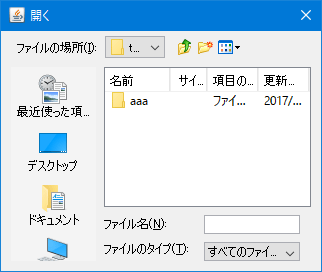
GetComponentsRecursively
We create a method that recursively retrieves all of the Container's child components and then retrieves the JTable placed in the JFileChooser.
Set Locale for JFileChooser
Section titled “Set Locale for JFileChooser”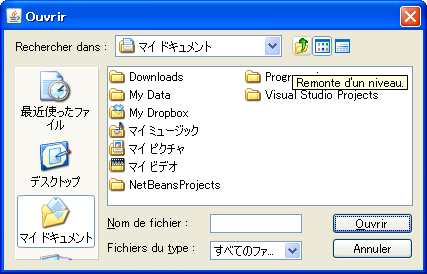
Test whether a key such as Shift is pressed when a JButton is clicked.
Section titled “Test whether a key such as Shift is pressed when a JButton is clicked.”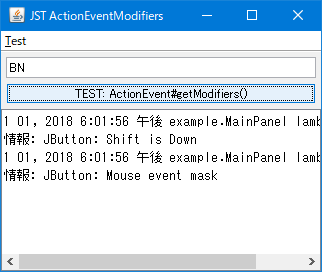
ActionEventModifiers
This tests whether a key such as Shift is pressed simultaneously when a JButton or JMenuItem is clicked.
Debugging JComponent rendering using DebugGraphics
Section titled “Debugging JComponent rendering using DebugGraphics”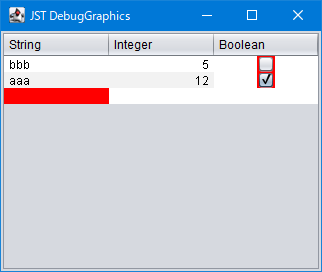
DebugGraphics
Use DebugGraphics, a subclass of Graphics, to debug the drawing of a JComponent.