JFileChooser
Display a file overwrite warning dialog while JFileChooser is open.
Section titled “Display a file overwrite warning dialog while JFileChooser is open.”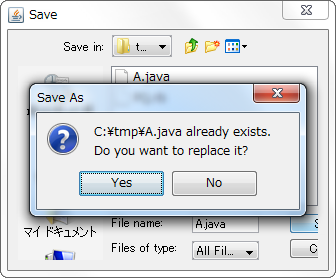
FileAlreadyExistsDialog
When saving with JFileChooser, if you select an existing file and press the save button, a warning dialog box will be displayed to overwrite the file.
Added image preview to JFileChooser
Section titled “Added image preview to JFileChooser”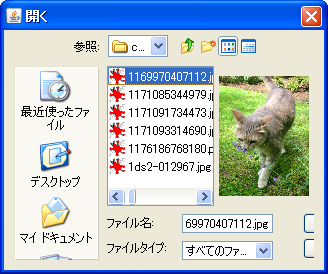
PreviewAccessory
We will add a feature to JFileChooser that displays a preview of the selected image file.
Restrictions on resizing etc. in JFileChooser
Section titled “Restrictions on resizing etc. in JFileChooser”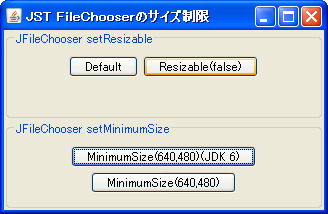
FixedSizeFileChooser
Resizing JFileChooser and changing the size to below the minimum size are prohibited.
Make JFileChooser uneditable.
Section titled “Make JFileChooser uneditable.”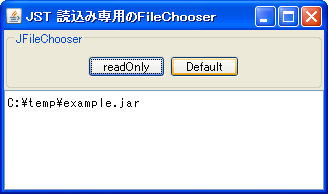
ROFileChooser
This disables editing functions such as renaming files and creating new folders within JFileChooser.
Add a file filter to JFileChooser
Section titled “Add a file filter to JFileChooser”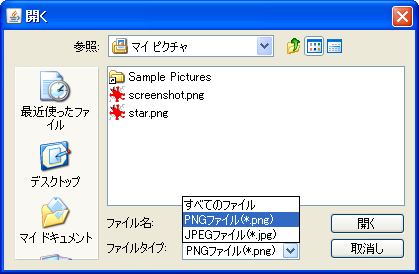
Set Locale for JFileChooser
Section titled “Set Locale for JFileChooser”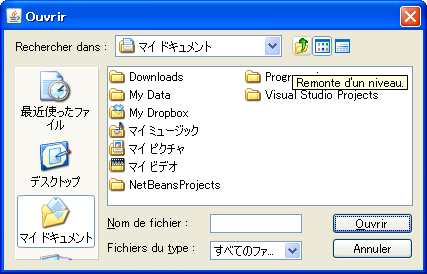
Change the button text for JFileChooser.
Section titled “Change the button text for JFileChooser.”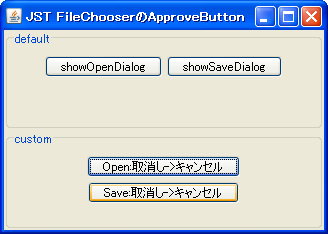
Hide the PlacesBar in JFileChooser.
Section titled “Hide the PlacesBar in JFileChooser.”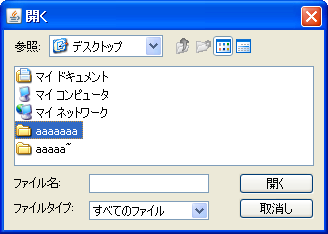
NoPlacesBarFileChooser
This hides the PlacesBar in a JFileChooser that has WindowsLookAndFeel applied.
Set the default for JFileChooser to DetailsView.
Section titled “Set the default for JFileChooser to DetailsView.”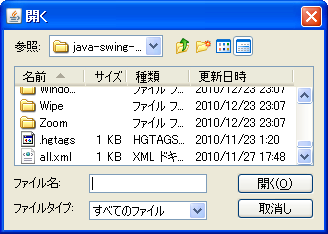
DetailsViewFileChooser
This changes the default setting when opening JFileChooser from list view to detailed view.
JFileChooser prevents renaming read-only files.
Section titled “JFileChooser prevents renaming read-only files.”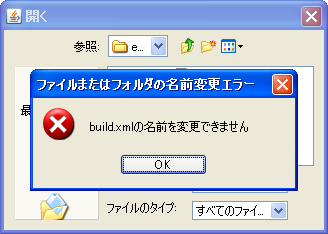
RenameIfCanWriteFileChooser
JFileChooser will be prevented from renaming read-only files.
Sets the current directory when JFileChooser is opened.
Section titled “Sets the current directory when JFileChooser is opened.”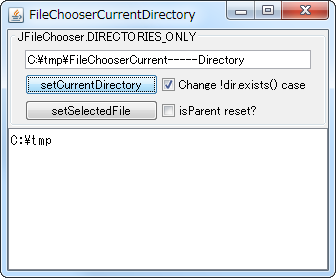
FileChooserCurrentDirectory
This sets the current directory when JFileChooser is opened.
Change the setting to hide hidden files in JFileChooser.
Section titled “Change the setting to hide hidden files in JFileChooser.”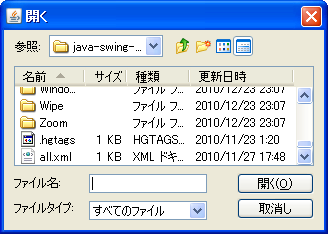
FileHidingEnabled
You can toggle whether to display hidden files in JFileChooser using the pop-up menu.
Set the initial focus when JFileChooser is opened.
Section titled “Set the initial focus when JFileChooser is opened.”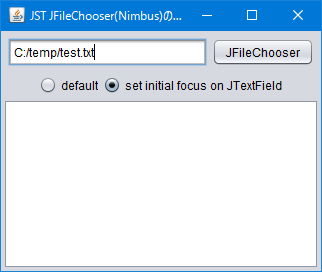
FileChooserInitialFocus
When opening a JFileChooser that uses NimbusLookAndFeel, the initial focus is set to the JTextField used to display the file name.
Recursively retrieve all child components of a container.
Section titled “Recursively retrieve all child components of a container.”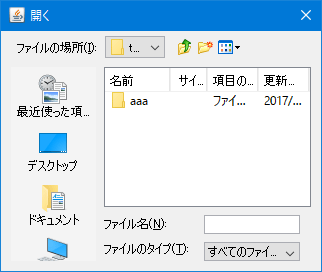
GetComponentsRecursively
We create a method that recursively retrieves all of the Container's child components and then retrieves the JTable placed in the JFileChooser.
Select multiple files with JFileChooser
Section titled “Select multiple files with JFileChooser”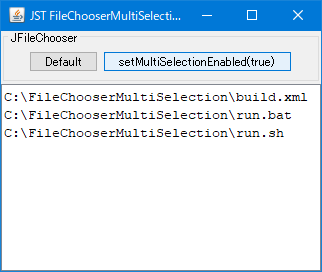
Configure JFileChooser not to use localized system folder names.
Section titled “Configure JFileChooser not to use localized system folder names.”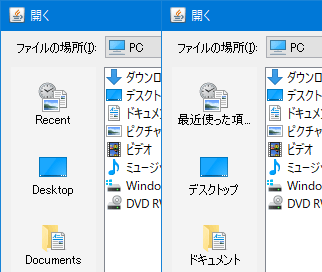
SystemExtensionHiding
This setting prevents localized system folder names from being displayed in the PlacesBar of JFileChooser.
Add a component to the bottom of the JFileChooser using MetalLookAndFeel.
Section titled “Add a component to the bottom of the JFileChooser using MetalLookAndFeel.”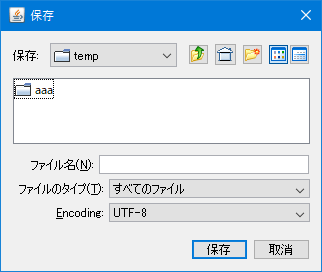
FileChooserBottomAccessory
Add a horizontal component, such as a JComboBox, between the file filter and button panel of a JFileChooser that has MetalLookAndFeel applied.
Change the filename and filter labels in JFileChooser to right-align.
Section titled “Change the filename and filter labels in JFileChooser to right-align.”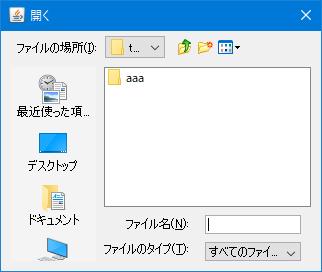
FileChooserFileAndFilterAlignment
This changes the alignment of the filename and filter labels displayed at the bottom of JFileChooser from left-aligned to right-aligned.
Change the list display of JFileChooser to a single vertical column.
Section titled “Change the list display of JFileChooser to a single vertical column.”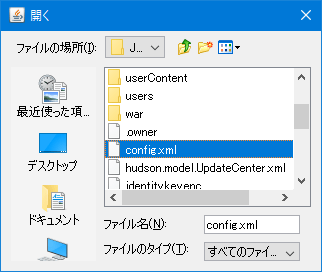
FileChooserLayoutOrientation
This changes the list display of JFileChooser from the default vertical-first newspaper style to the vertical single-column style, which is the default for JList.
Setting JToolTip in the file list of JFileChooser
Section titled “Setting JToolTip in the file list of JFileChooser”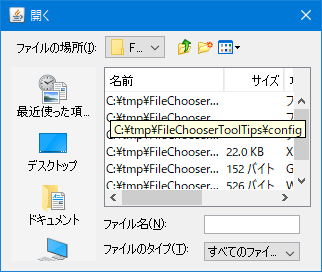
FileChooserToolTips
This JToolTip displays the file name if it is omitted in the detailed file list of JFileChooser.
Extract the zip file selected with JFileChooser.
Section titled “Extract the zip file selected with JFileChooser.”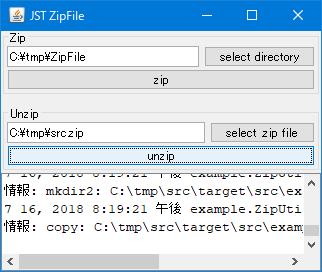
ZipFile
This function extracts the zip file selected with JFileChooser, or compresses the directory into a zip file.
Change the IconImage in the JFileChooser title bar.
Section titled “Change the IconImage in the JFileChooser title bar.”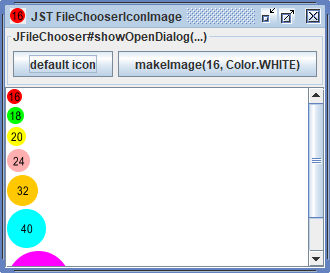
FileChooserIconImage
This changes the title bar icon of the JFileChooser to a different icon from that of its parent JFrame.
Sets the key input delay time used for leading string searches in JComboBox, JList, JTree, etc.
Section titled “Sets the key input delay time used for leading string searches in JComboBox, JList, JTree, etc.”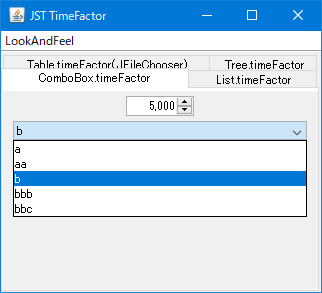
TimeFactor
This setting configures the multi-key input delay time used for searching the first string via key input in the detailed views of JComboBox, JList, JTree, JFileChooser, etc.
If a file name is being edited in the detailed view of JFileChooser, cancel the editing process.
Section titled “If a file name is being edited in the detailed view of JFileChooser, cancel the editing process.”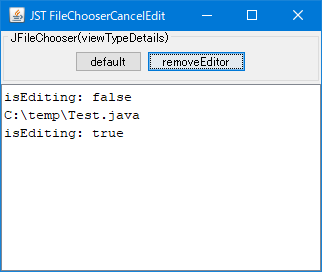
FileChooserCancelEdit
When JFileChooser is displayed in detailed view mode, any ongoing file name editing will be canceled.
Set a TransferHandler in JFileChooser to enable file drop-and-drop functionality.
Section titled “Set a TransferHandler in JFileChooser to enable file drop-and-drop functionality.”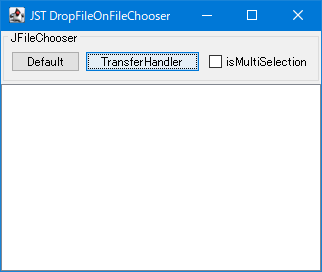
DropFileOnFileChooser
Set a TransferHandler in JFileChooser to enable drag-and-drop of files and directories.
When JFileChooser is in directory selection mode, disable the JComboBox used for file filtering.
Section titled “When JFileChooser is in directory selection mode, disable the JComboBox used for file filtering.”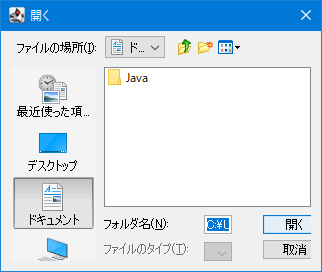
DisableFilterComboBox
If JFileChooser is set to allow directory selection only, disable the JComboBox for file filtering.
Change the default value of the PlacesBar shortcut in JFileChooser.
Section titled “Change the default value of the PlacesBar shortcut in JFileChooser.”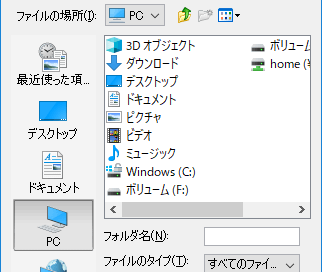
FileChooserShortcutPanelFolders
This changes the default value of the PlacesBar shortcut folder in JFileChooser from Documents to PC.
Disable the creation of new folders in JFileChooser.
Section titled “Disable the creation of new folders in JFileChooser.”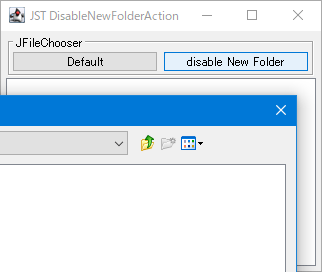
DisableNewFolderAction
In JFileChooser, we will keep renaming existing files enabled but disable the creation of new folders.
Make it possible to select the entire row in the DetailsView of JFileChooser.
Section titled “Make it possible to select the entire row in the DetailsView of JFileChooser.”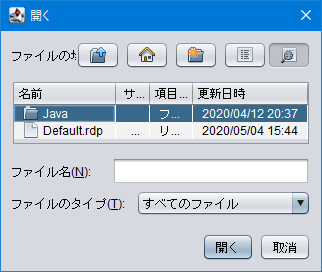
FileViewFullRowSelection
This update modifies the JTable used for displaying details in JFileChooser to allow the display of the entire row's selection status and enables row selection using the mouse.
Set the selection state in the JFileChooser file list to Windows style.
Section titled “Set the selection state in the JFileChooser file list to Windows style.”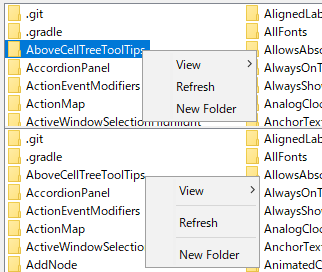
FileChooserListViewWindowsStyle
This modifies the JFileChooser file list display, including file selection status and popup menu separators, to resemble a Windows-style display.
Rename the new folder in the JFileChooser template.
Section titled “Rename the new folder in the JFileChooser template.”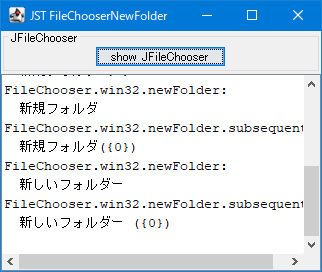
FileChooserNewFolder
This changes the template folder name used when creating a new folder with JFileChooser.
When renaming is initiated in the JFileChooser cell editor, the file name excluding the extension is selected.
Section titled “When renaming is initiated in the JFileChooser cell editor, the file name excluding the extension is selected.”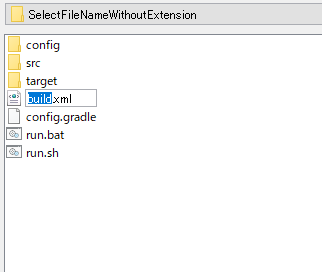
SelectFileNameWithoutExtension
This code retrieves the JTextField used as a renameable cell editor in the ListView or DetailsView of the JFileChooser, and sets it so that the file name excluding the extension, rather than the entire file name, is selected.
Specify the column to sort by in the detailed view of JFileChooser.
Section titled “Specify the column to sort by in the detailed view of JFileChooser.”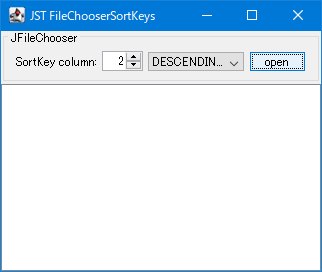
FileChooserSortKeys
This specifies the column that the JTable used for detailed view in JFileChooser will sort by by default.
Cancel file name editing when resizing with JFileChooser.
Section titled “Cancel file name editing when resizing with JFileChooser.”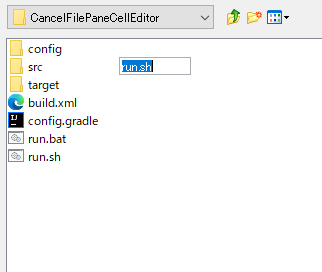
CancelFilePaneCellEditor
We will create a ComponentListener that cancels the renaming process if the JFileChooser's FilePane is resized while a CellEditor is displayed within the JFileChooser.
Navigate to the Windows LNK shortcut location using the folder structure displayed in JTree.
Section titled “Navigate to the Windows LNK shortcut location using the folder structure displayed in JTree.”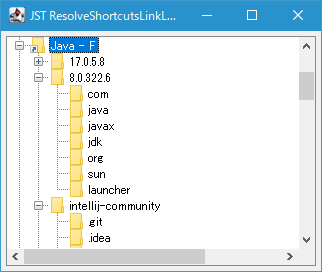
ResolveShortcutsLinkLocation
If the TreeNode in a folder structure created using JTree is a Windows lnk shortcut, you can use JFileChooser's ShellFolder to make it possible to navigate to the linked folder.