Font
Get Font Metric Information in TextLayout
Section titled “Get Font Metric Information in TextLayout”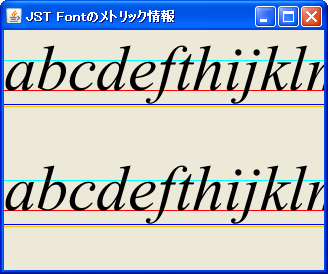
TextLayout
This code retrieves metric information such as font ascent, descent, and leading from a TextLayout and then renders it.
Scroll text in an electronic display style using GlyphVector
Section titled “Scroll text in an electronic display style using GlyphVector”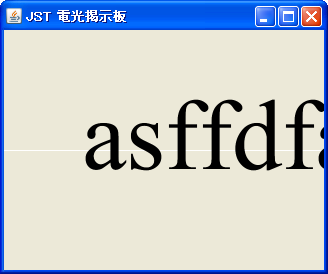
ScrollingMessage
We create a GlyphVector and make it scroll like an electronic display board.
Rotate the font
Section titled “Rotate the font”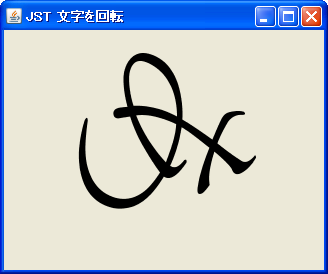
TransformedShape
The outline of the characters is obtained from the font, and its center is set as the anchor point for rotation.
Get font from file
Section titled “Get font from file”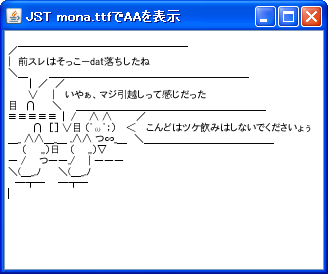
Standardize the fonts used in UIManager.
Section titled “Standardize the fonts used in UIManager.”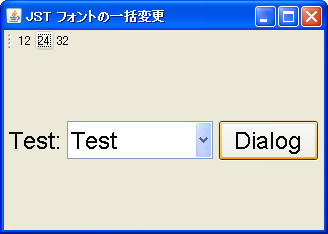
Shape Inversion
Section titled “Shape Inversion”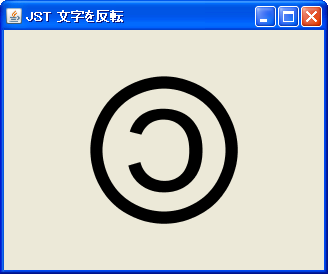
Register and use the font in GraphicsEnvironment.
Section titled “Register and use the font in GraphicsEnvironment.”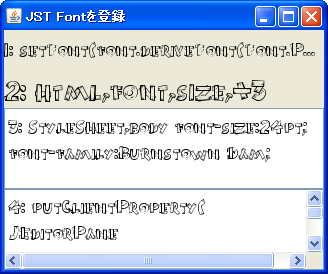
RegisterFont
This registers the font in GraphicsEnvironment so that it can be used in HTML tags and other elements.
Get a list of fonts
Section titled “Get a list of fonts”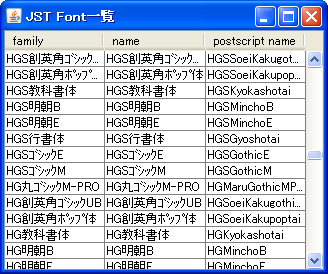
AllFonts
This program retrieves a list of fonts and displays the font family name, logical name, and other information.
Get the font outline and modify the inside of the string.
Section titled “Get the font outline and modify the inside of the string.”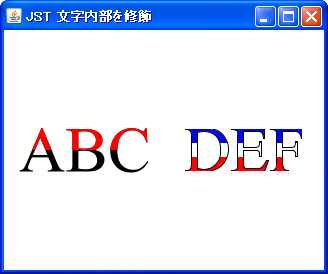
LineSplittingLabel
By setting a clip, you can limit the drawing area and decorate the inside of the text with a different color.
Generate an icon
Section titled “Generate an icon”
Change the font size according to the width of the component.
Section titled “Change the font size according to the width of the component.”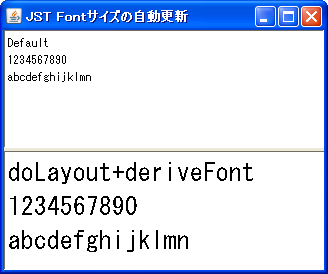
AutomaticallyResizeFont
The font size of the JTextPane will automatically adjust according to its width.
Do not use bold fonts with MetalLookAndFeel
Section titled “Do not use bold fonts with MetalLookAndFeel”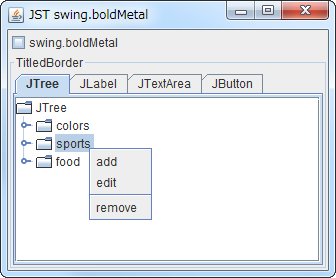
Convert JSpinner’s notation to hexadecimal.
Section titled “Convert JSpinner’s notation to hexadecimal.”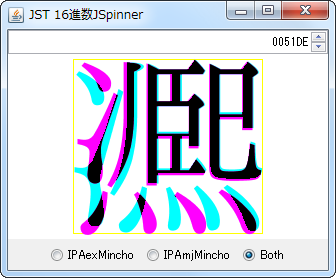
HexFormatterSpinner
This displays the JSpinner's representation in hexadecimal and the character assigned to that Unicode code point.
Get the outline from the font’s outline.
Section titled “Get the outline from the font’s outline.”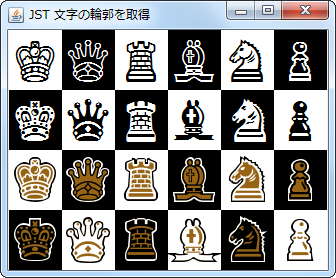
FontSilhouette
The outlines of the character shapes obtained from the font are extracted, and then outlines and fills are added to them.
Add an underline to the text in a JTextField.
Section titled “Add an underline to the text in a JTextField.”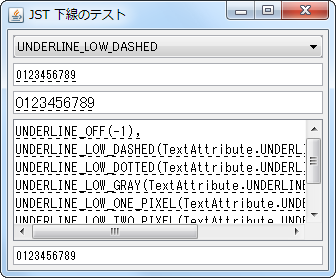
TextAttribute
This underlines the text using the font whose text attribute is set in the JTextField.
Perform initial grouping with JLabel
Section titled “Perform initial grouping with JLabel”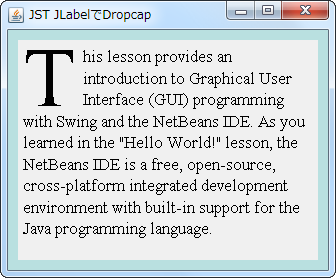
DropcapLabel
The first character of the JLabel is enlarged, the remaining text is arranged in a TextLayout to wrap around it, and then drawn using a drop cap.
Get the ScreenResolution from the Toolkit and change the font scaling used by the component.
Section titled “Get the ScreenResolution from the Toolkit and change the font scaling used by the component.”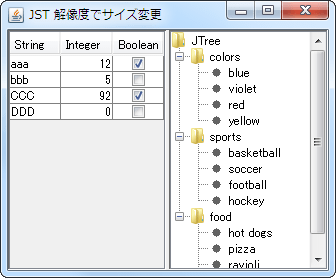
ScreenResolution
This test will change the initial panel size, font size, line height, etc., based on the display resolution settings.
Apply the font set in JEditorPane to HTML text.
Section titled “Apply the font set in JEditorPane to HTML text.”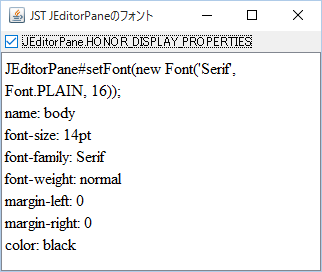
HonorDisplayProperties
Instead of using the default font size specified for the body tag in HTMLEditorKit, the font set in JEditorPane will be used for the HTML text.
Applying condensation to the font for use in JTextArea
Section titled “Applying condensation to the font for use in JTextArea”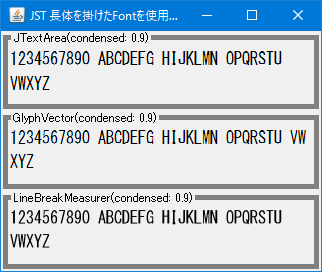
CondensedFontLabel
This generates a font with characters stretched condensed, and then uses it in components such as JTextArea.
Set tracking for the font to reduce the string width before rendering.
Section titled “Set tracking for the font to reduce the string width before rendering.”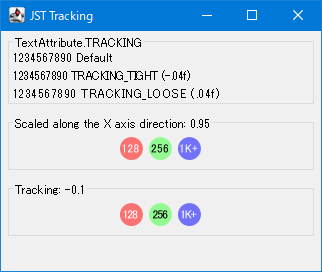
Tracking
The font is rendered with a reduced width by setting a negative tracking value.
Display a background image using a JLabel text tag.
Section titled “Display a background image using a JLabel text tag.”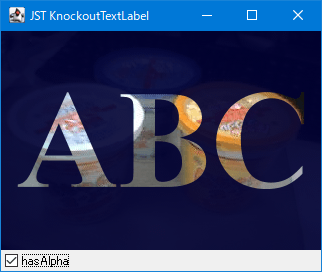
KnockoutTextLabel
This displays a background image drawn on a JLabel as if it were cut out using a text shape.
Check if the font has the glyphs for the characters specified by the Unicode code points and can display them.
Section titled “Check if the font has the glyphs for the characters specified by the Unicode code points and can display them.”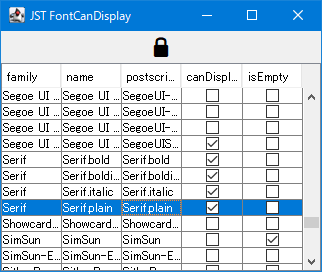
FontCanDisplay
This checks if the font contains the glyph for the character specified by its Unicode code point and if it can be displayed.
Get the string boundaries from the font.
Section titled “Get the string boundaries from the font.”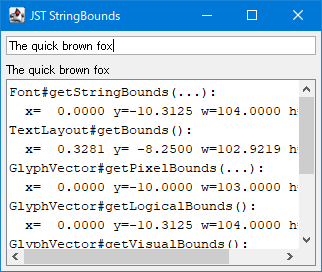
StringBounds
This tests how to generate TextLayout and GlyphVector from a Font and obtain the width and height of a string.
The results of the 5-point rating scale created with GlyphVector are plotted as labels.
Section titled “The results of the 5-point rating scale created with GlyphVector are plotted as labels.”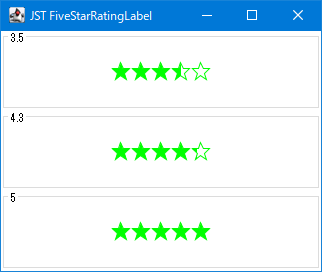
FiveStarRatingLabel
Using GlyphVector, we create an outline of a 5-star rating and then fill in the inside of the rating value to one decimal place.
Use AffineTransform to place numbers on an analog clock face.
Section titled “Use AffineTransform to place numbers on an analog clock face.”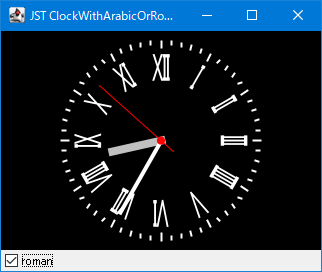
ClockWithArabicOrRomanNumerals
Use AffineTransform to place Arabic and Roman numerals on an analog clock face.
Set a monospaced font for a JFormattedTextField.
Section titled “Set a monospaced font for a JFormattedTextField.”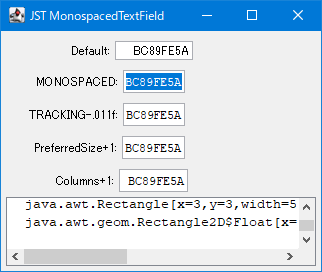
MonospacedTextField
This tool calculates the recommended size for JFormattedTextField and JTextField based on the number of columns and font size.
Change the display magnification of the JTable.
Section titled “Change the display magnification of the JTable.”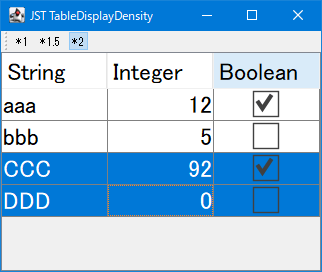
TableDisplayDensity
This modifies the display magnification by scaling the font size, row height, and check icons in the JTable.
Place text on the shape.
Section titled “Place text on the shape.”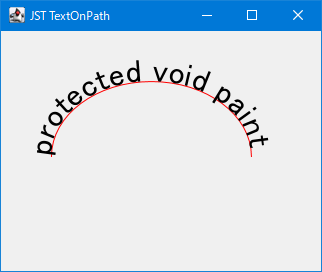
TextOnPath
This tool moves and rotates text to align with curves, such as those created using Path2D.