spine-flutter Runtime Documentation
Licensing
Please see the Getting Started
The spine-flutter runtime is implemented as a Installation
spine-flutter is supported from Flutter 3.16.0 onwards. To use spine-flutter in your Flutter project, add the following dependency to your project's
pubspec.yamlfile:yamldependencies:
...
spine_flutter: ^4.3.0See Samples
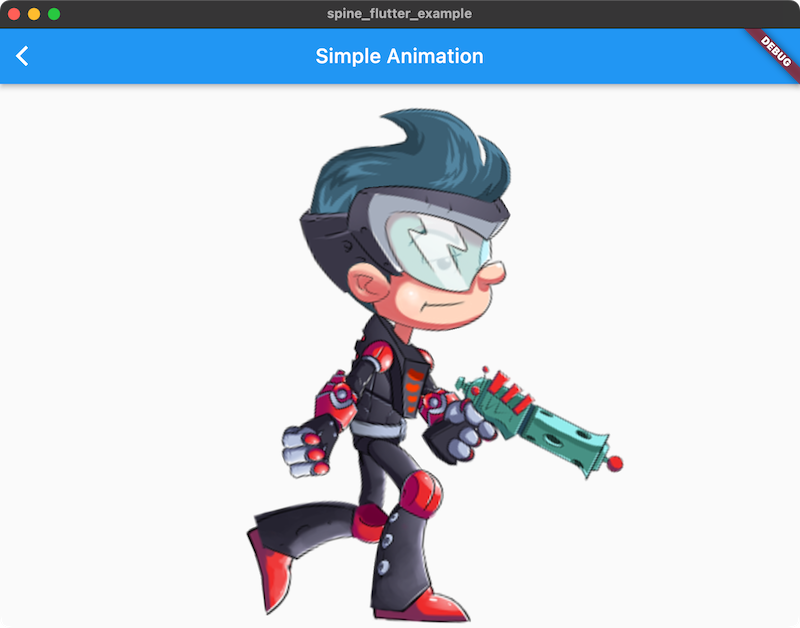
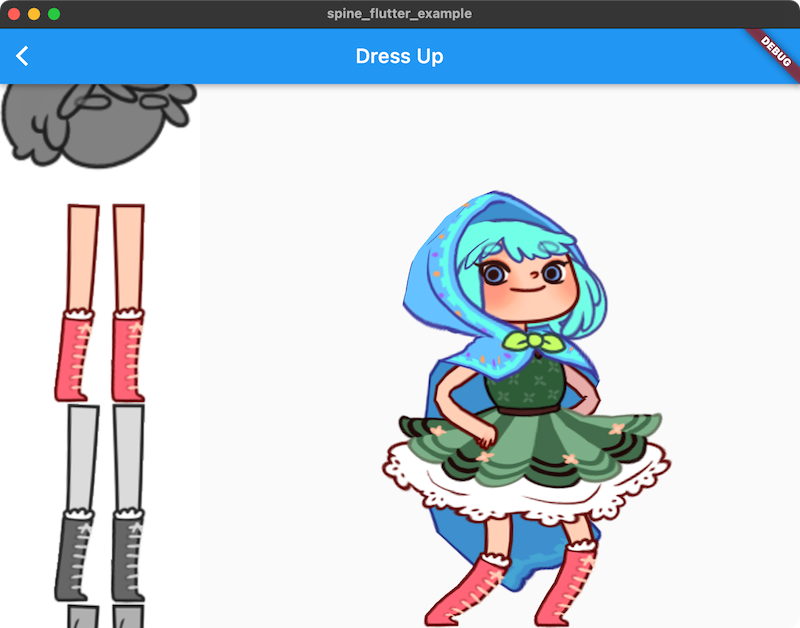
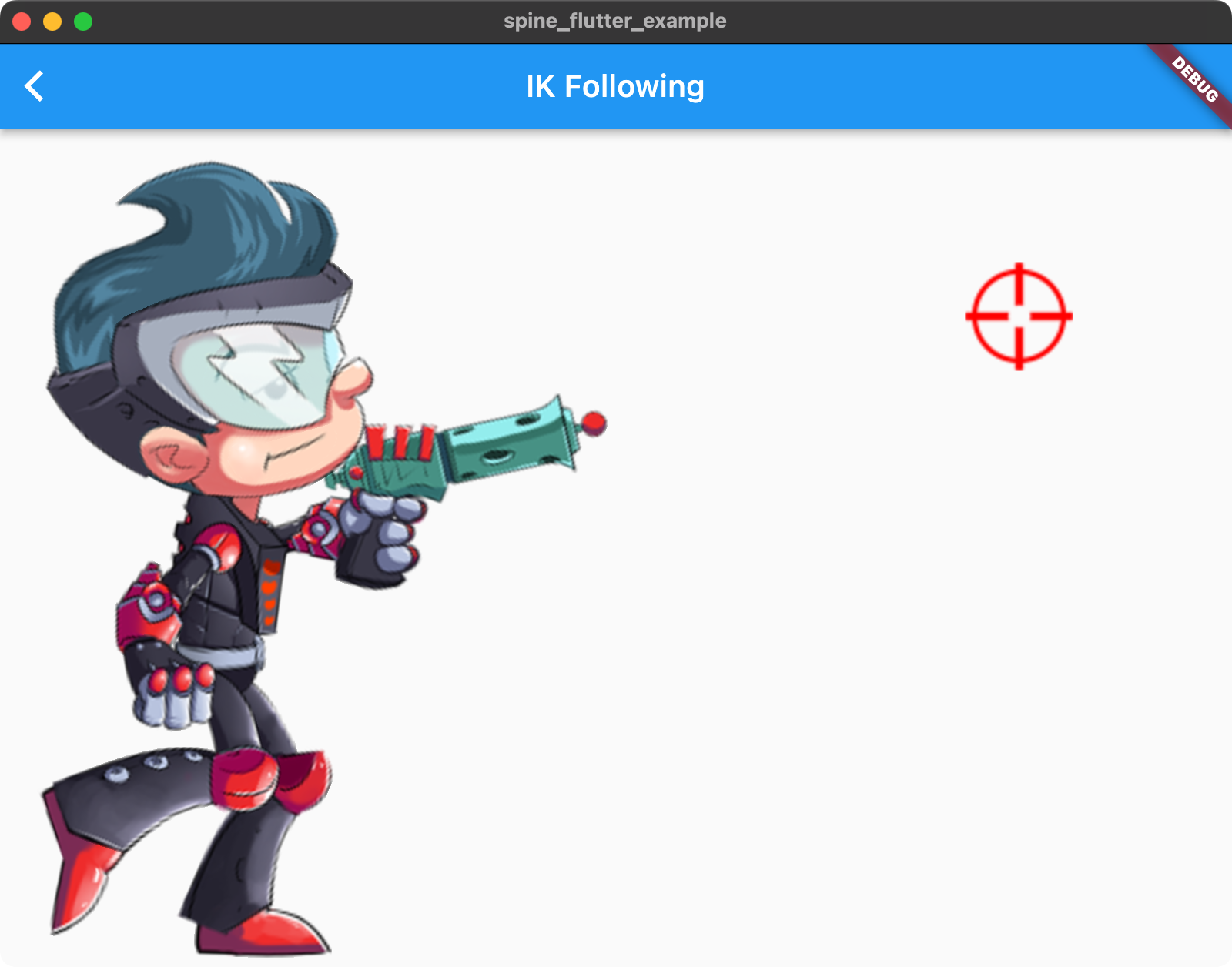
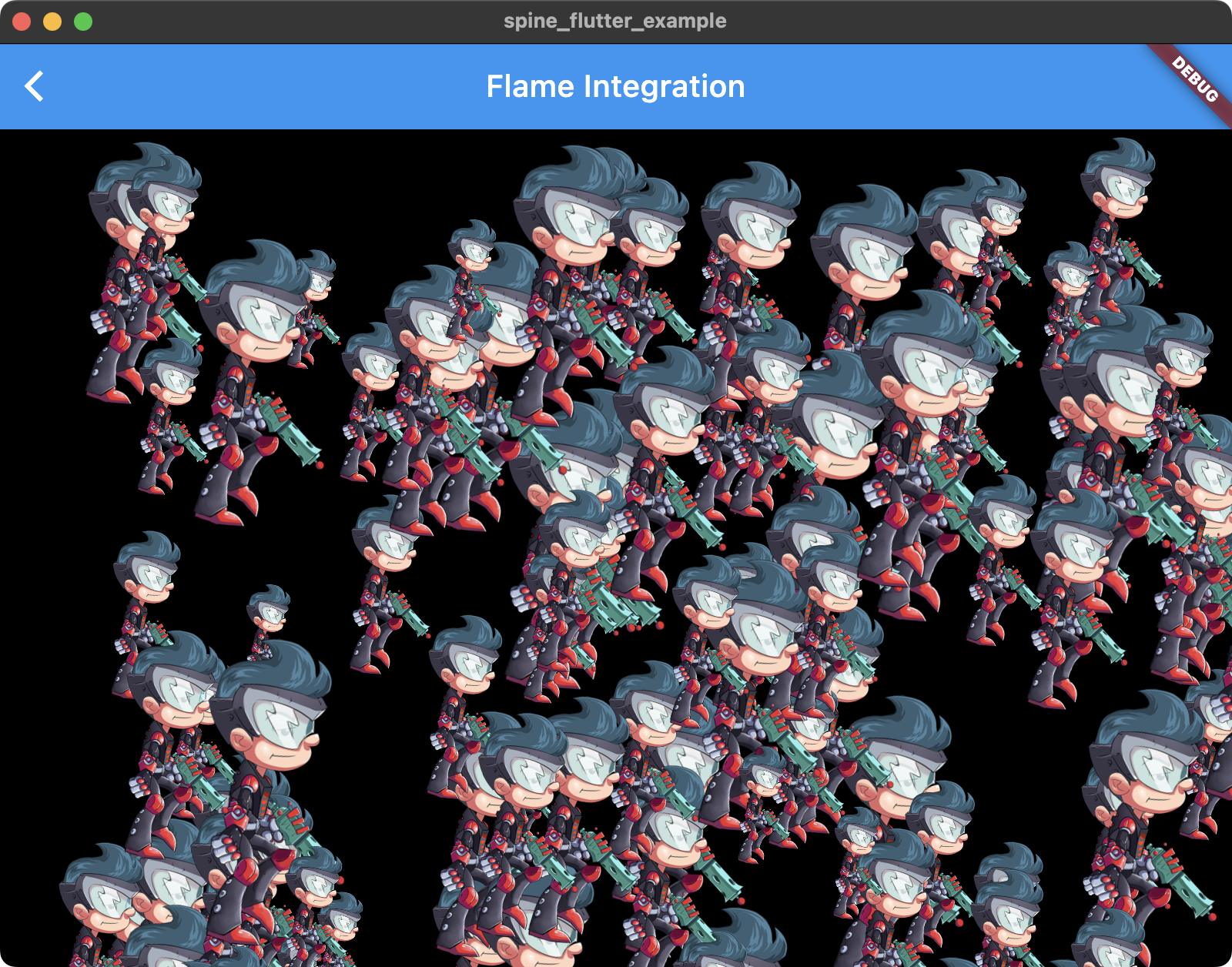
The spine-flutter runtime includes several samples that showcase its feature set.
You can run the example project following these steps:
- Install the Updating the spine-flutter Runtime
Before updating your project's spine-flutter runtime, please consult our Using spine-flutter
The spine-flutter runtime is an idiomatic Asset Management
Exporting for spine-flutter
Please follow the instructions in the Spine User Guide on how to
- Updating Spine Assets
During development, you may frequently update your Spine skeleton data and texture atlas files. You can simply overwrite these source files (
.json,.skel,.atlas,.png) by re-exporting from the Spine Editor and replacing the existing files in your Flutter project.Ensure that the
major.minorversion of spine-flutter matches themajor.minorSpine Editor version you are exporting from. See Core classesThe spine-flutter API is built on top of the generic spine-dart classes
spine-flutter provides Flutter-specific wrapper classes that handle texture loading, rendering, and lifecycle management:
The SpineWidget
A Pre-loading and sharing skeleton data
Pre-loading allows you to share atlas and skeleton data between multiple
SpineWidgetinstances, saving both load time and memory. The key is understanding the ownership parameter when creating drawables.Sharing data across multiple widgets
When you want multiple widgets to share the same atlas and skeleton data:
dart// Pre-load the atlas and skeleton data once
final atlas = await AtlasFlutter.fromAsset("assets/test.atlas");
final skeletonData = await SkeletonDataFlutter.fromAsset(atlas, "assets/test.skel");
// Create drawables without taking ownership (pass false)
final drawable1 = SkeletonDrawableFlutter(atlas, skeletonData, false);
final drawable2 = SkeletonDrawableFlutter(atlas, skeletonData, false);
// Use in multiple widgets
SpineWidget.fromDrawable(drawable1, controller1);
SpineWidget.fromDrawable(drawable2, controller2);With
ownsAtlasAndSkeletonData: false, the drawables will NOT dispose the atlas and skeleton data when they are disposed. You must manually manage their lifecycle:dart// Dispose drawables when done
drawable1.dispose();
drawable2.dispose();
// Manually dispose shared data when completely done
skeletonData.dispose();
atlas.dispose();Single-use with ownership
If you only need one widget and want automatic cleanup:
dartfinal atlas = await AtlasFlutter.fromAsset("assets/test.atlas");
final skeletonData = await SkeletonDataFlutter.fromAsset(atlas, "assets/test.skel");
// Create drawable with ownership (pass true)
final drawable = SkeletonDrawableFlutter(atlas, skeletonData, true);
SpineWidget.fromDrawable(drawable, controller);
// When disposed, this will also dispose atlas and skeletonData
drawable.dispose();SpineWidgetController
A
SkeletonDrawableFlutterbundles loading, storing, updating, and rendering aSkeletonand its associatedAnimationStateinto a single, easy to use class. The class can be used as the basis for a custom widget implementation. TheSpineWidgetencapsulates the state of the skeleton it displays via an instance of aSkeletonDrawableFlutter.Use the static
fromAsset(),fromFile(), orfromHttp()methods to construct aSkeletonDrawableFlutterfrom file assets. To shareAtlasFlutterandSkeletonDataFlutteramong multipleSkeletonDrawableFlutterinstances, instantiate the drawables via the constructor, passing the same atlas and skeleton data to each of them.The
SkeletonDrawableFlutterexposes theatlasFlutter,skeletonData,skeleton,animationStateData, andanimationStateto query, modify, and animate the skeleton.To animate the skeleton, queue animations on one or more tracks via the
AnimationStateAPI, such asAnimationState.setAnimation()orAnimationState.addAnimation().To update the animation state, apply it to the skeleton, and update the current skeleton pose, call the
SkeletonDrawableFlutter.update()method, providing it a delta time in seconds to advance the animations.To render the current pose of the skeleton, use the rendering methods
SkeletonDrawableFlutter.renderFlutter(),SkeletonDrawableFlutter.renderToCanvas(),SkeletonDrawableFlutter.renderToPictureRecorder(),SkeletonDrawableFlutter.renderToPng(), orSkeletonDrawableFlutter.renderToRawImageData().The
SkeletonDrawableFlutterstores objects allocated on the native heap. The native objects need to be manually disposed of via a call toSkeletonDrawableFlutter.dispose()if theSkeletonDrawableFlutteris no longer needed. Not doing so will result in a native memory leak.Note: when using
SpineWidget, you do not have to manually dispose of theSkeletonDrawableFlutterthe widget uses. The widget will dispose theSkeletonDrawableFlutterwhen it is disposed itself.Applying Animations
Applying animations to a skeleton displayed by a
SpineWidgetis done through theAnimationStatein the callbacks of aSpineWidgetController.Note: See AnimationState Events
An
AnimationStateemits events during the life-cycle of an animation that is being played back. You can listen for this events to react as needed. The Spine Runtimes API defines the following Skins
Many applications and games allow users to create custom avatars out of many individual items, such as hair, eyes, pants, or accessories like earrings or bags. With Spine, this can be achieved by Setting Bone Transforms
When authoring a skeleton in the Spine Editor, the skeleton is defined in what is called the skeleton coordinate system. This coordinate system may not align with the coordinate system of the
SpineWidgetthe skeleton is rendered by. Touch coordinates relative to theSpineWidgetneed thus be converted to the skeleton coordinate system, e.g. if a user should be able to move a bone by touch.The
SpineWidgetControlleroffers the methodtoSkeletonCoordinates()which takes an Flame Integration
spine-flutter includes an example that shows how to load and renderer Spine skeletons in Spine Runtimes API access
spine-flutter maps almost all of the Spine Runtime API to Dart. Objects returned by
SpineWidgetControllerorSkeletonDrawableFlutter, likeSkeletonorAnimationStateare 1:1 translations of the spine-cpp API to Dart. You can thus apply all of the materials in the generic Spine Runtimes Guide and the spine-cpp documentation to your Dart code.Due to the nature of the spine-cpp to Dart FFI bridge, there are some considerations:
- Arrays returned by the API (like
ArrayFloat,ArrayInt) are direct wrappers around native memory. They provide List-like access to the underlying C++ data and modifications through the array's methods will affect the native data.- You can create bones and slots using their factory constructors (e.g.,
Bone(boneData, parent),Slot(slotData, skeleton)). However, you are responsible for disposing any manually created objects.- The C++ class hierarchy is fully translated to Dart, including all timeline and constraint classes with proper inheritance relationships and the same nullability patterns as the Java reference implementation.